

Command to check DDOS on Server
September 7, 2026
 By Prasad Naik
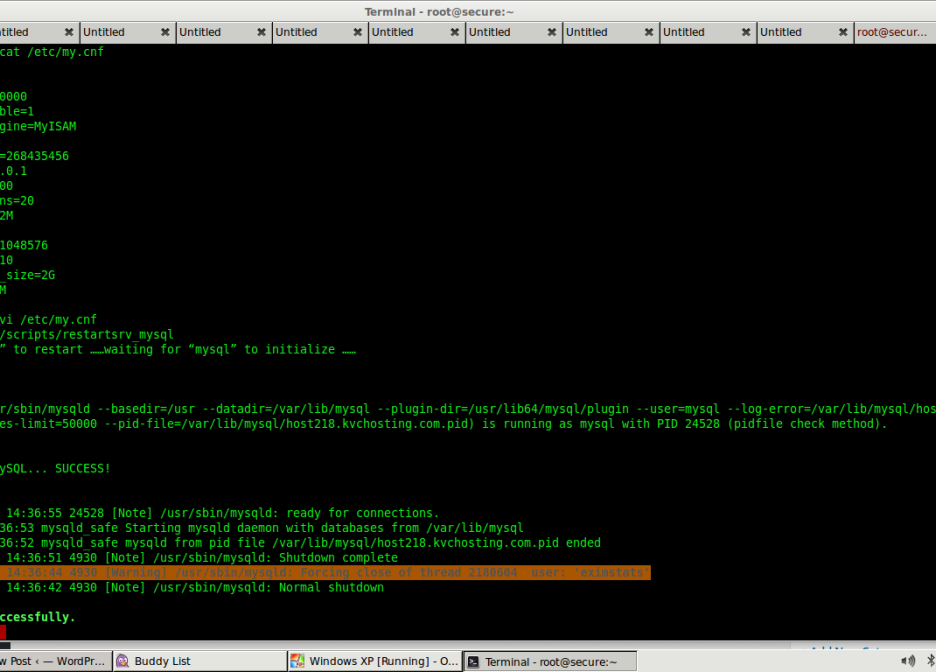
Have you been getting below error “Error from MySQL query: DBD::mysql::db do failed: Can’t find any matching row in the user table” To fix this issue follow below method, Please remove the following entry from /etc/my.cnf and then restart MySQL: skip-name-resolve The restart mysql using /scripts/restartsrv_mysql This fixes the issue
Read More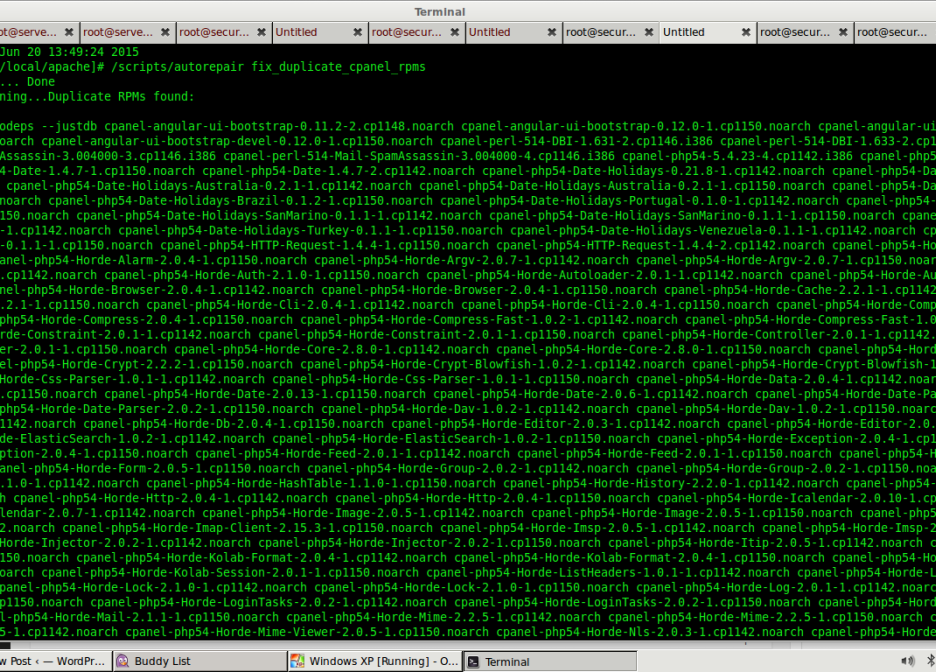 By Prasad Naik
While running a upcp –force in cPanel server got below error [2015-06-20 13:48:48 -0400] see http://go.cpanel.net/rpmcheckfailed for more information [2015-06-20 13:48:48 -0400] The Administrator will be notified to review this output when this script completes => Log closed Sat Jun 20 13:48:48 2015 [2015-06-20 13:49:13 -0400] 17% complete [2015-06-20 13:49:13 -0400] E Running `/usr/local/cpanel/scripts/updatenow –upcp […]
Read More By Prasad Naik
SVNManager in Softaculous give erros while installing Came across this in a support request The following errors were found : – The SVN config directory does not exist. – The SVN password file does not exist. – The SVN access file does not exist.The solution is before installing svnmanager run: su – username svnadmin create […]
Read More By Prasad Naik
If you have been getting error in exim while sending emails “rejected by non-SMTP ACL: failed to expand ACL string” Use the below fix where you need to rebuild exim config and also cop root@shared [/]# /scripts/buildeximconf Configuration file passes test! New configuration file was installed. warn [buildeximconf] Could not find /etc/exim.pl warn [buildeximconf] Could […]
Read More By Prasad Naik
[root@host.onlinesupport4u.in ~]# cat /sys/block/sda/queue/rotational Result is 0 if the drive is SSD [root@host.onlinesupport4u.in ~]# cat /sys/block/sda/queue/rotational Result is 1 if drive is SATA
Read More By Prasad Naik
If you want to disable security for one singled domain name you can do it by editing virtualhost in httpd.conf You can add the below setting in apache’s virtualhost for the domain name You need to add below rule to disable mod_security <IfModule mod_security2.c> SecRuleEngine off </IfModule>
Read More By Prasad Naik
Sometime you may face issue while logging to WHM where password does not work but via SSH password work The issue in cpanel server is due to cphulkd which is one of the security feature. to get it password working you need to ssh and disabled cphulkd using below commands root@server [~]# /usr/local/cpanel/etc/init/stopcphulkd Waiting for […]
Read More By Prasad Naik
To make your account in cpanel server have custom php.ini for all subfolder You need to use below code steps 1) Login to server via SSH 2) scp /usr/local/lib/php.ini /home/cpanelusername/public_html/ 3) vi /home/cpanelusername/public_html/.htaccess Add below code suPHP_ConfigPath /home/pankaj12/public_html <Files php.ini> order allow,deny deny from all </Files> Once done custom php.ini should be available for all […]
Read More By Prasad Naik
If you get below fatal error while updating cpanel [20140325.101511] ***** FATAL: Test install failed: package cpanel-php54-ingo-3.1.2-3.cp1142.noarch is already installed [20140325.101511] The Administrator will be notified to review this output when this script completes [20140325.101511] ***** FATAL: Error testing if the RPMs will install: Died at /usr/local/cpanel/scripts/updatenow.static-cpanelsync line 14050. [20140325.101511] see http://go.cpanel.net/rpmcheckfailed […]
Read More By Prasad Naik
Are you getting below error in cpanel for cron Lynx file “/etc/lynx.lss” is not available” in cpanel server ? You can fix it using below mentioned setting # vi /var/cpanel/exim.conf.deps and append it and add below entries /etc/lynx.lss Now Save file and quit and error should dissappear
Read More By Prasad Naik
If your cpanel is showing wrong mailbox quota than the actual usage You need to Do the following steps to get it fixed. Login to your server with root user and check the actual usage of email account #cd /home/username/mail/domain.rld / #du -sch emailaccount If you found the difference in actual usage and cpanel results […]
Read More By Prasad Naik
Getting sick of spammers in server and IP blacklisting ? To find the spammer account in server you need to SSH to server and run below command awk ‘$3 ~ /^cwd/{print $3}’ /var/log/exim_mainlog | sort | uniq -c | sed “s|^ *||g” | sort -nr This will show the the path of the user account […]
Read More
September 7, 2026


June 25, 2026


Keep your servers secure, optimized, and running smoothly with our reliable 24/7 server management and technical support.